tml screenshots -- claude/tml-validate-xml-jpdj1x
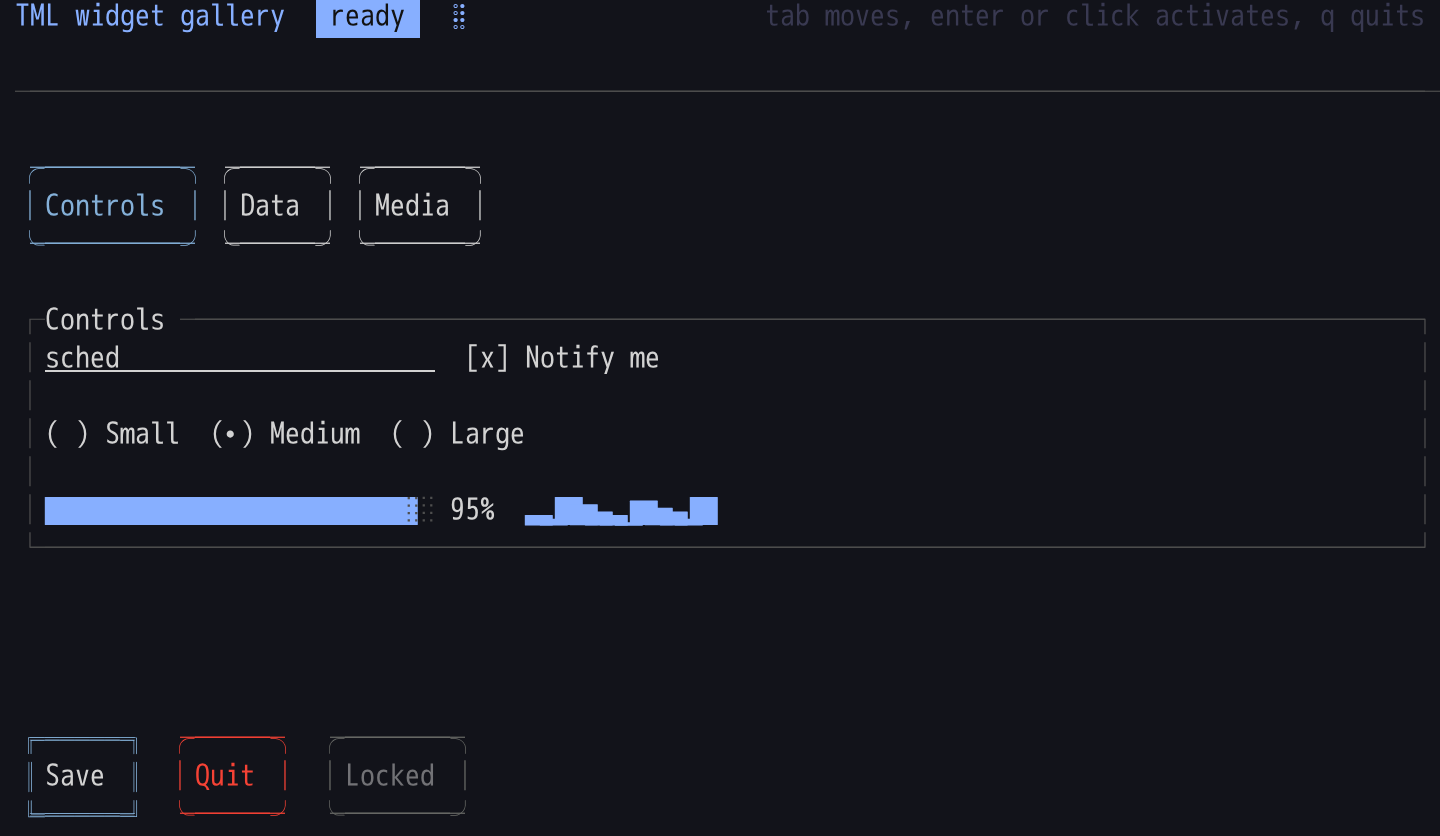
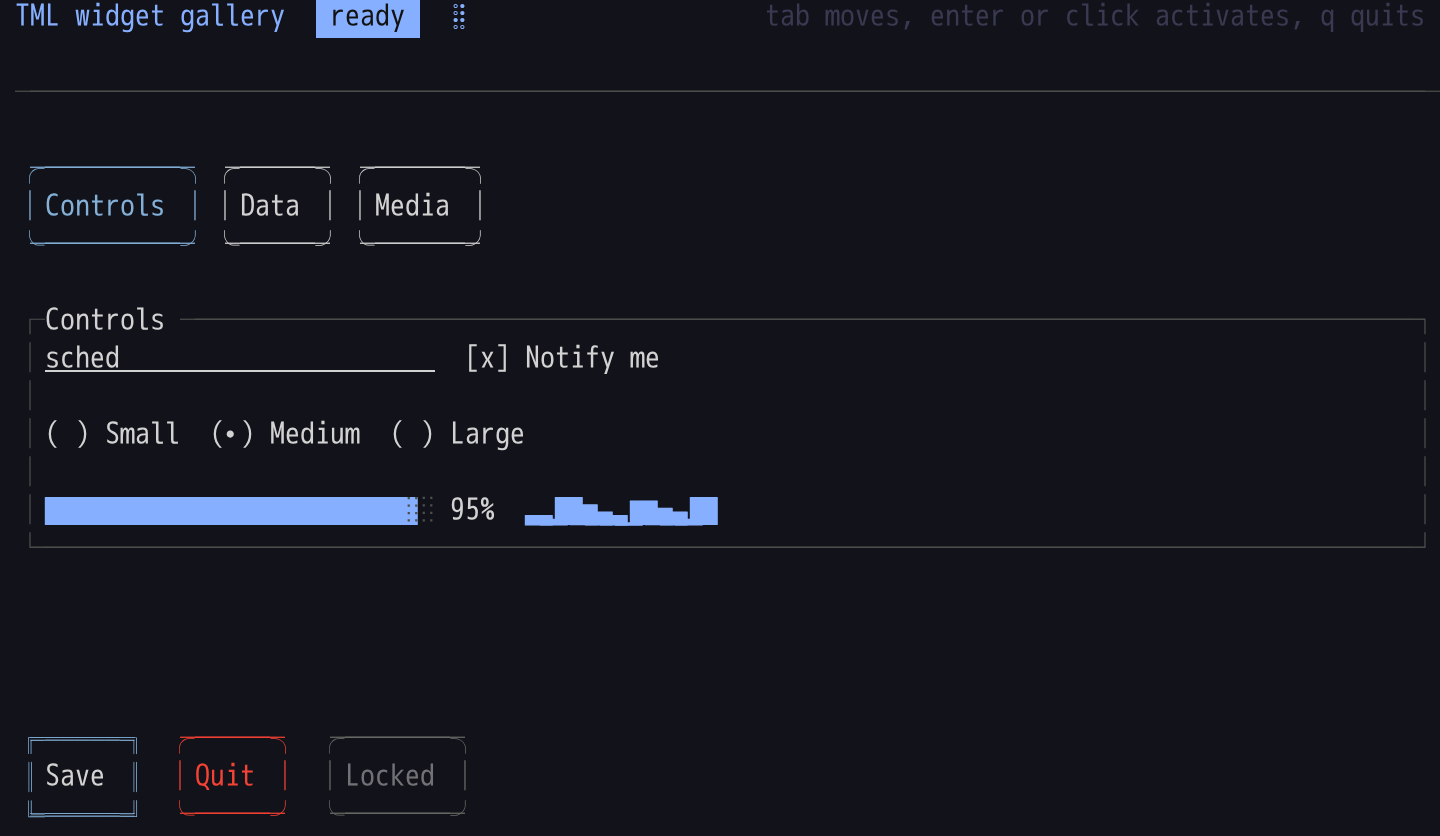
Controls
Buttons, a field, a checkbox, radios, a progress bar and a sparkline. The keyboard is on Save.
 claude/tml-validate-xml-jpdj1x
 master
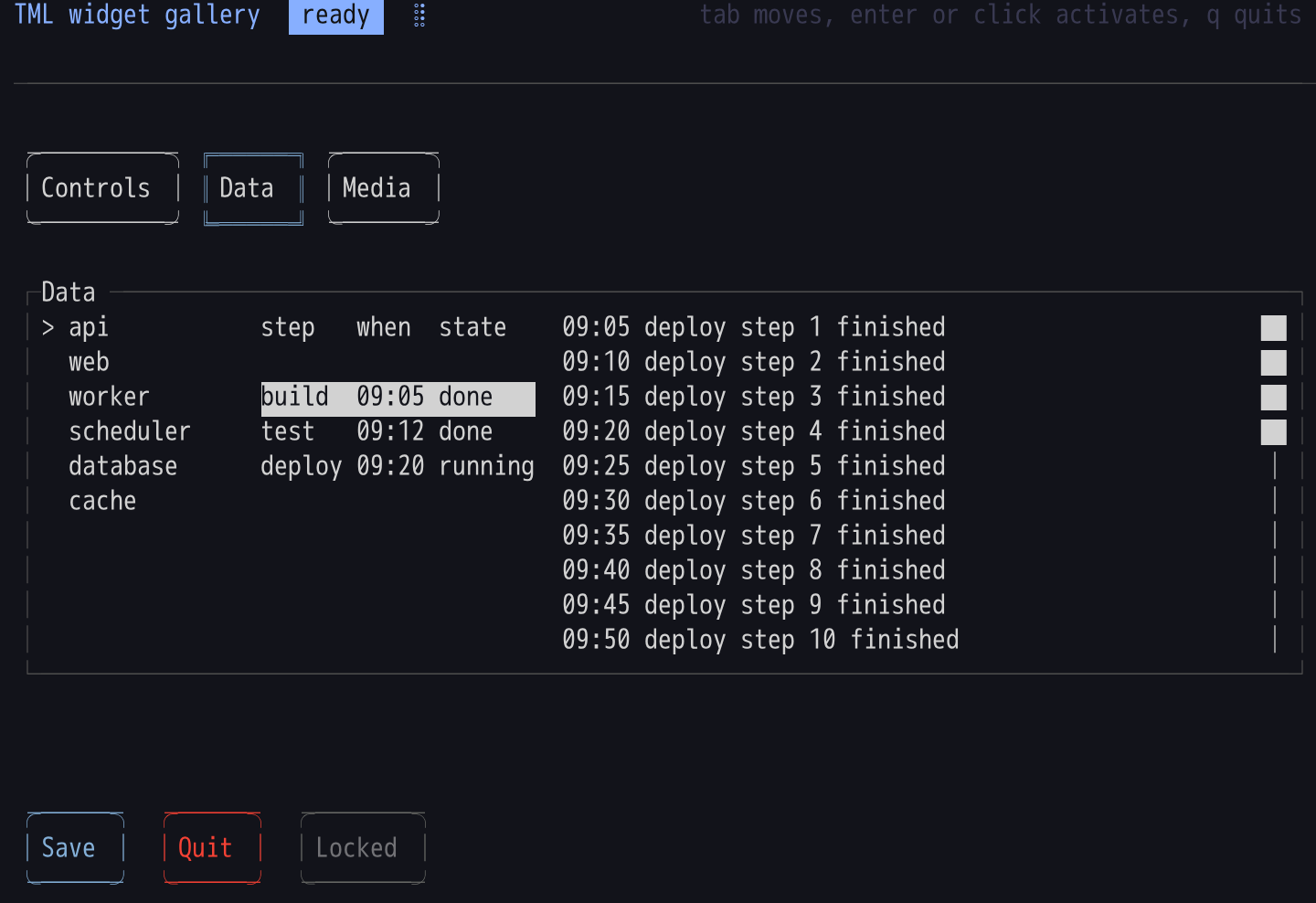
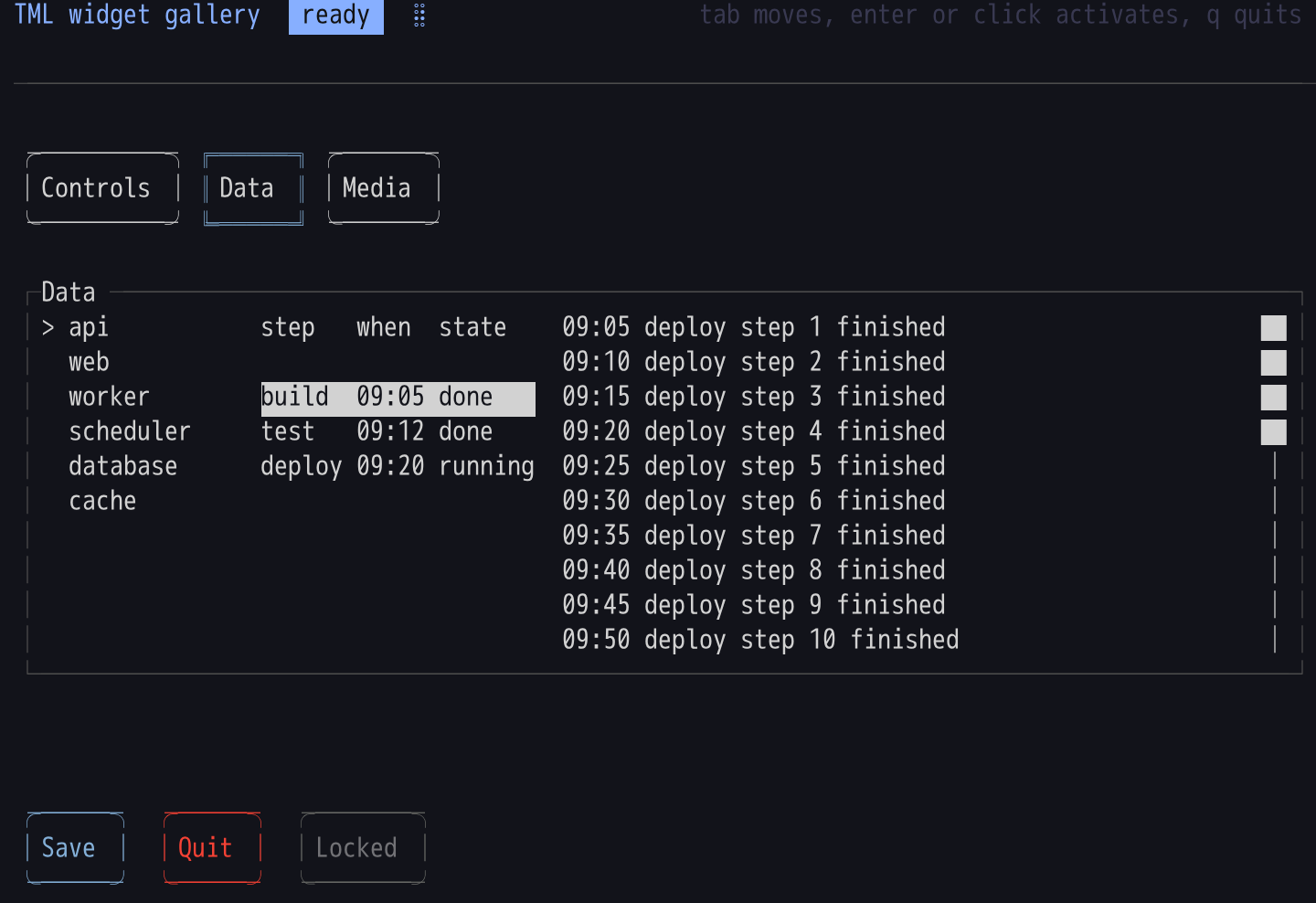
Data
A list beside a table and a scrolling log, laid out on a Grid.
 claude/tml-validate-xml-jpdj1x
 master
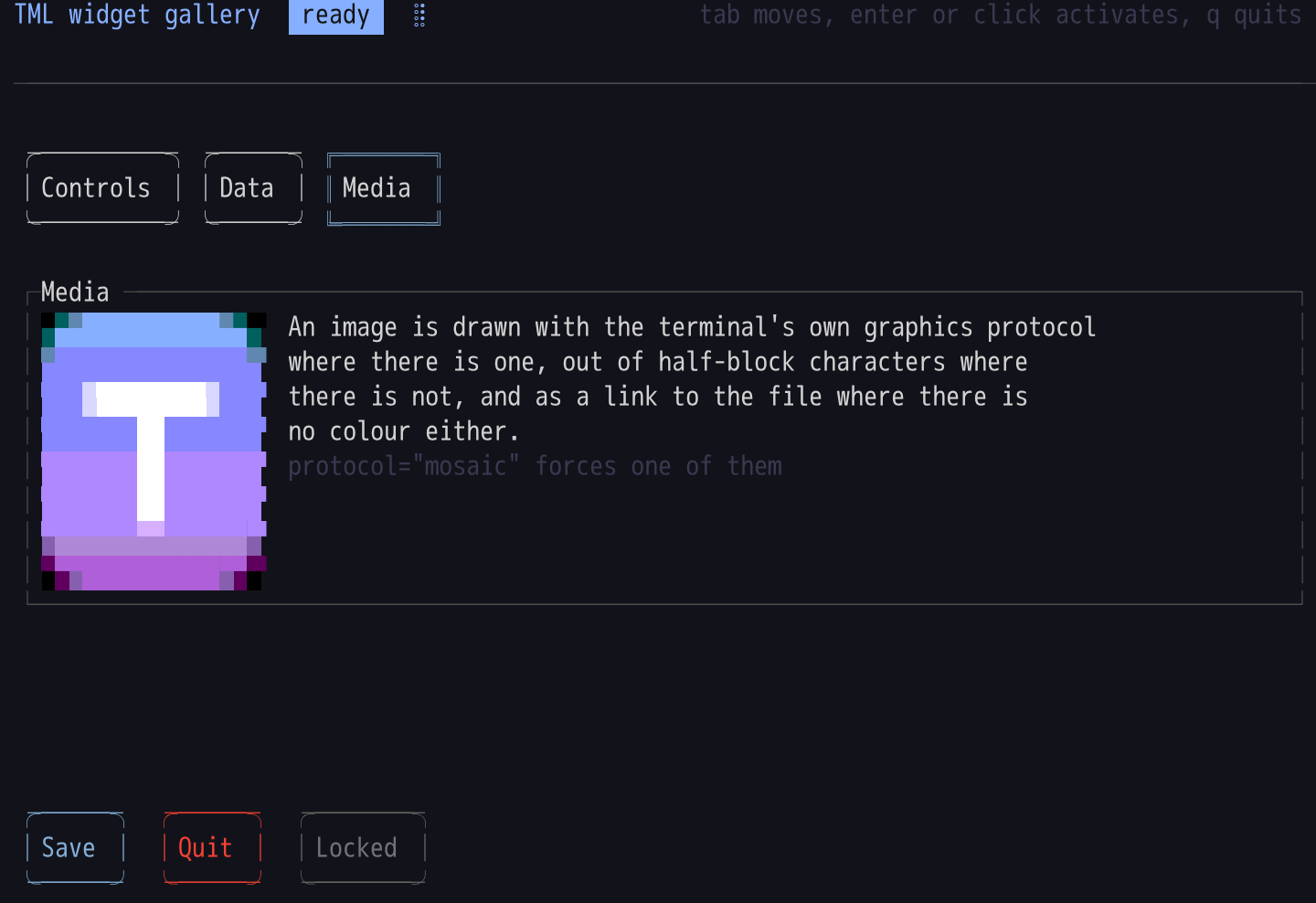
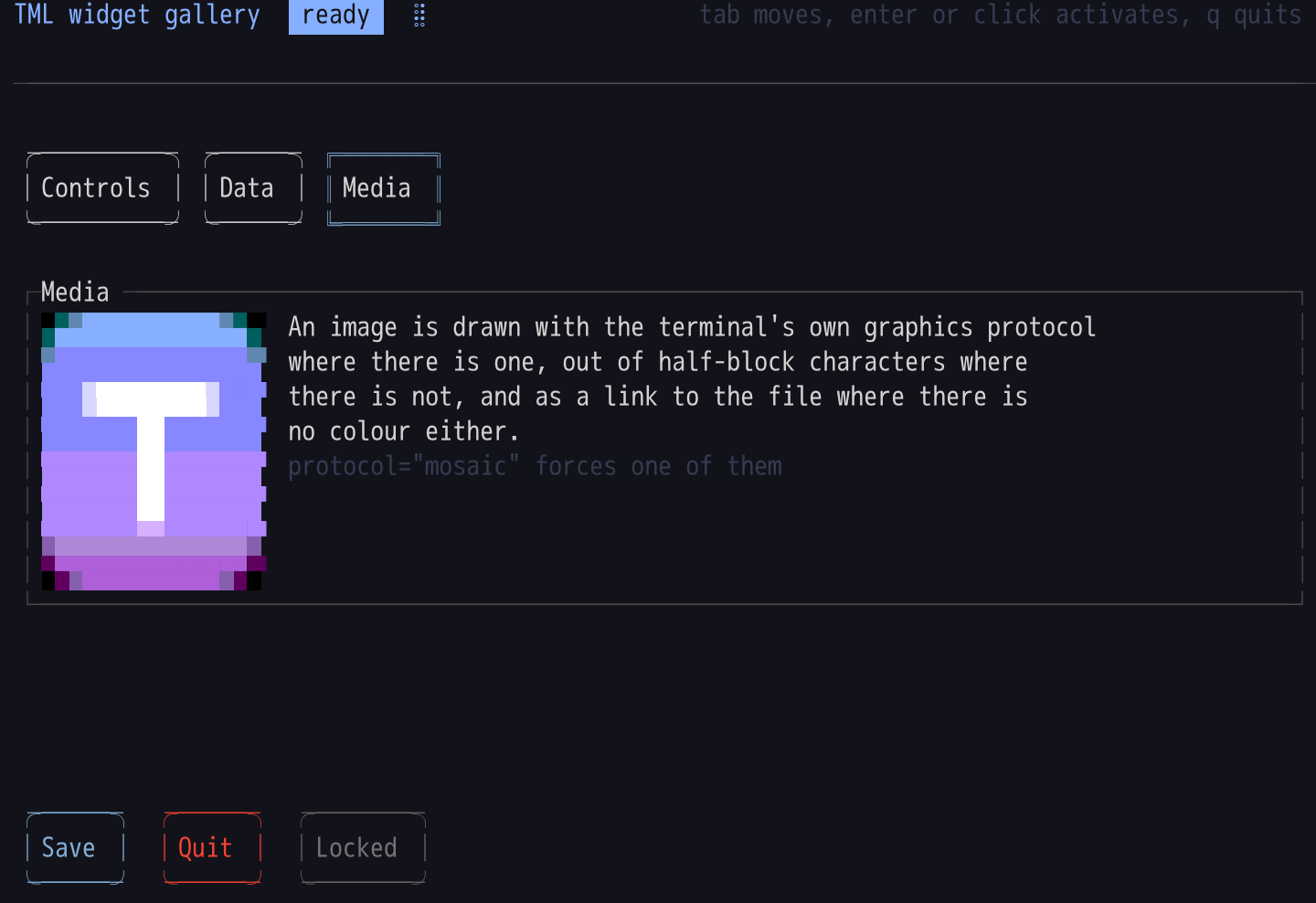
Media
An image on its half-block fallback, a rule, badges and a spinner.
 claude/tml-validate-xml-jpdj1x
 master
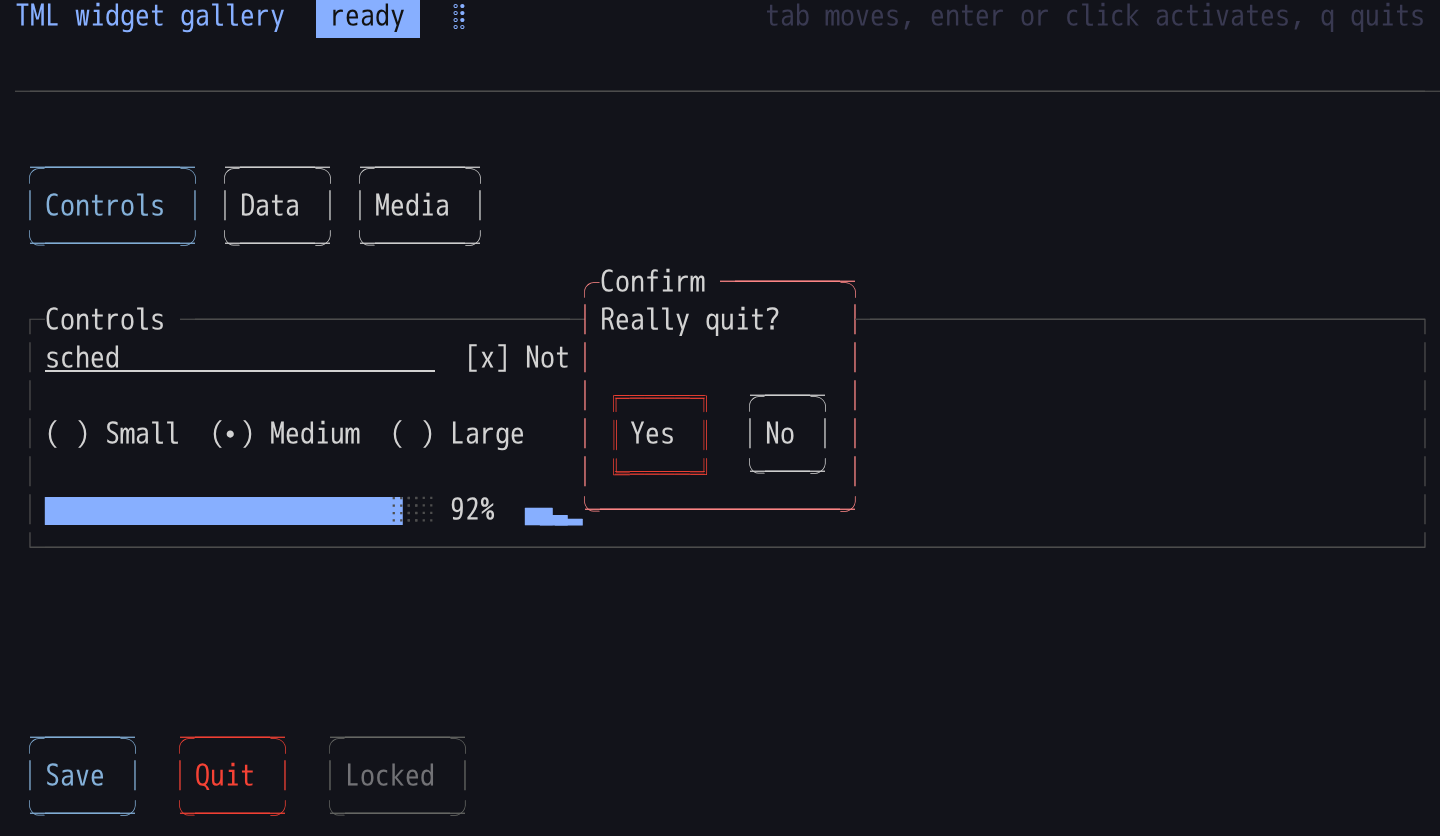
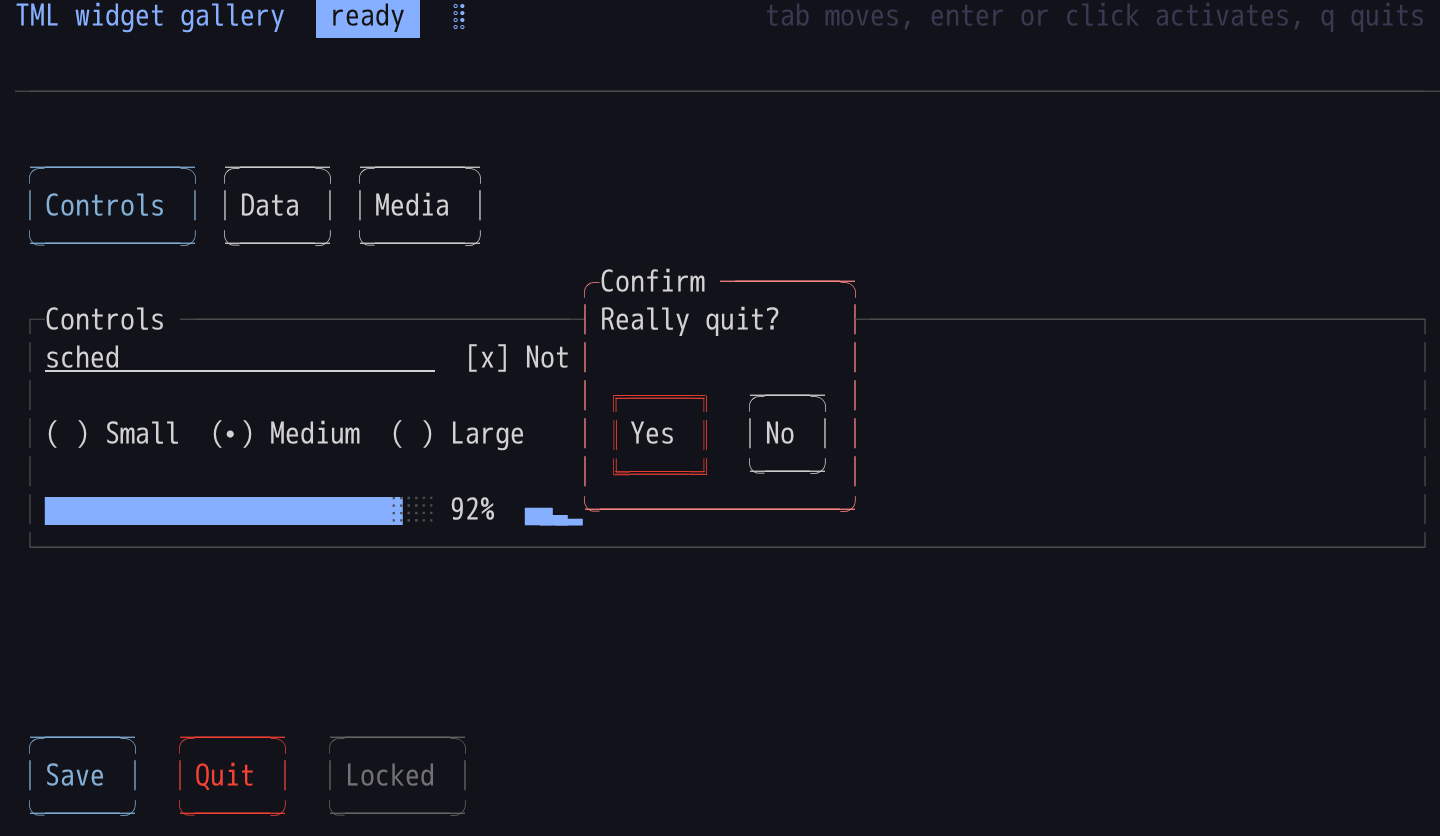
A popup over the page
A Popup centres itself on the Canvas and the layout behind it keeps rendering.
 claude/tml-validate-xml-jpdj1x
 master
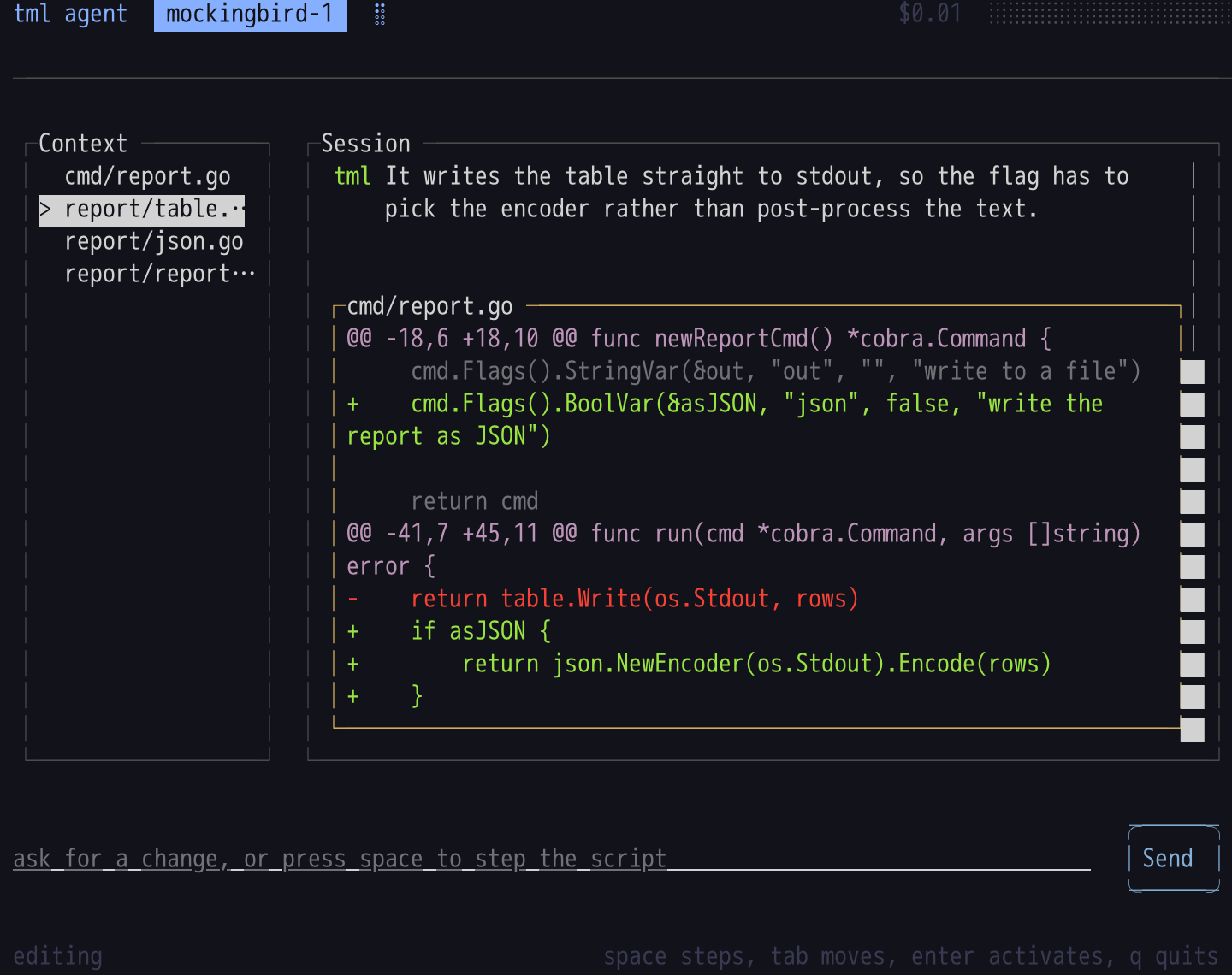
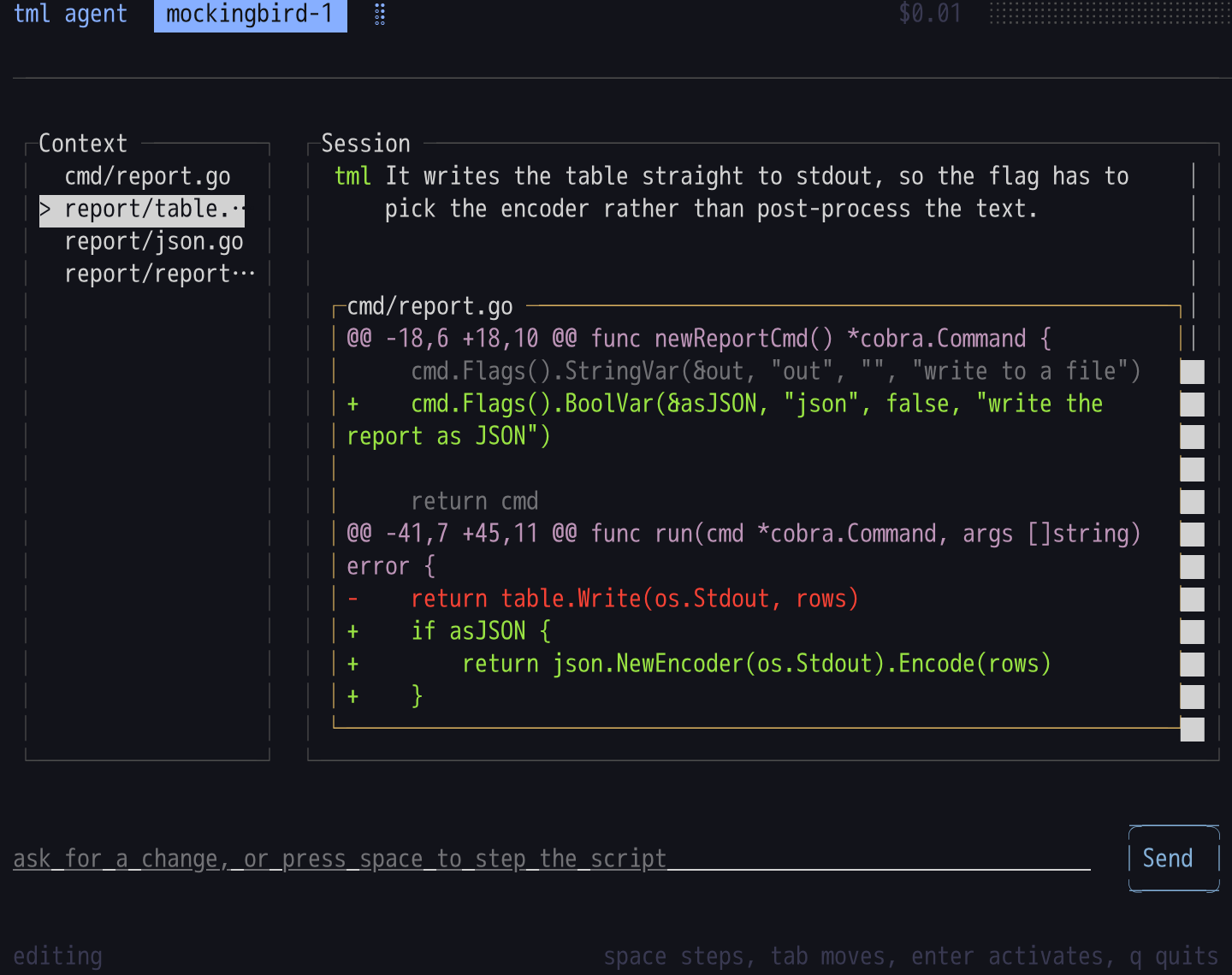
The agent example, mid-session
A transcript scrolled to its tail, a diff card, and the context list beside it.
 claude/tml-validate-xml-jpdj1x
 master
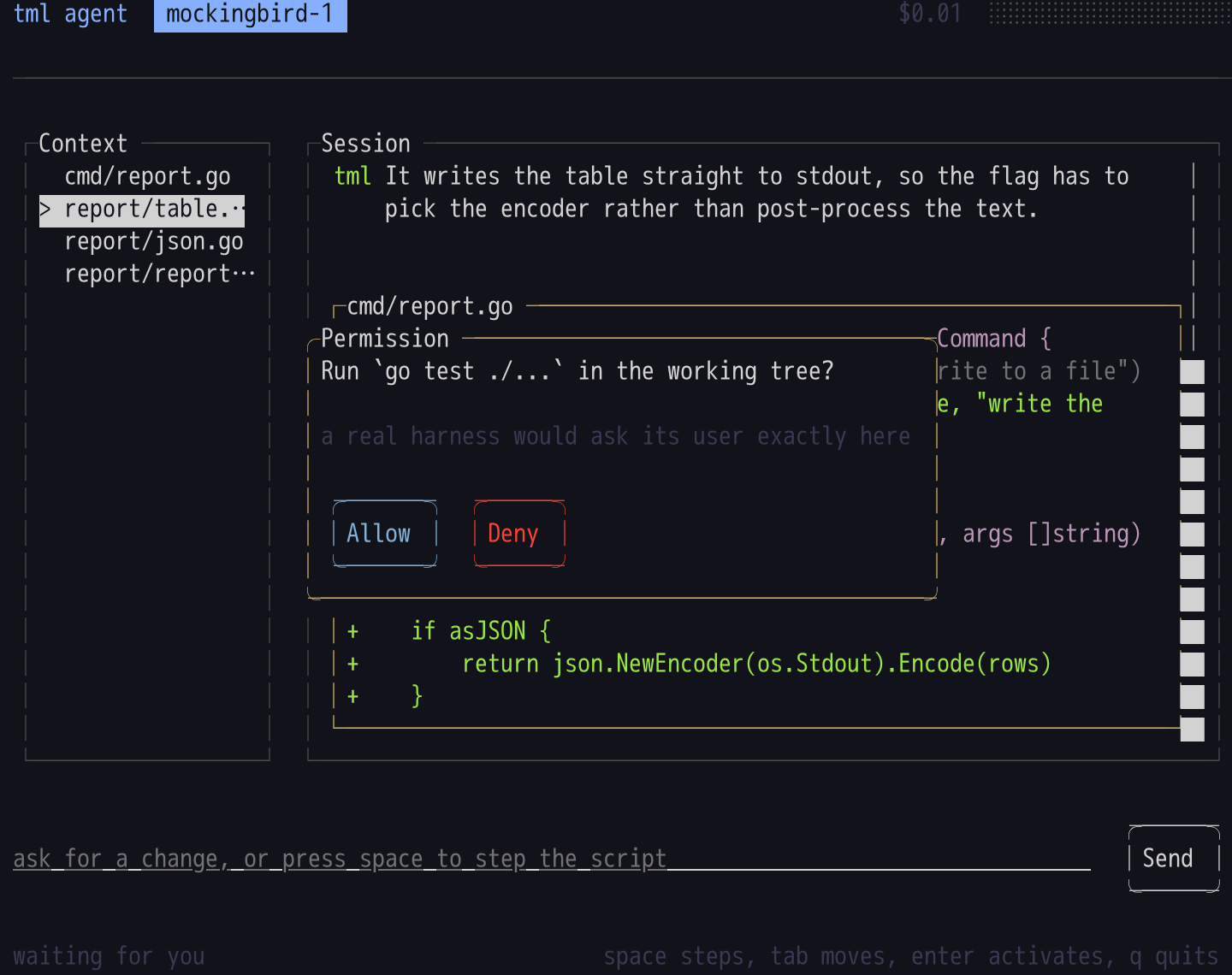
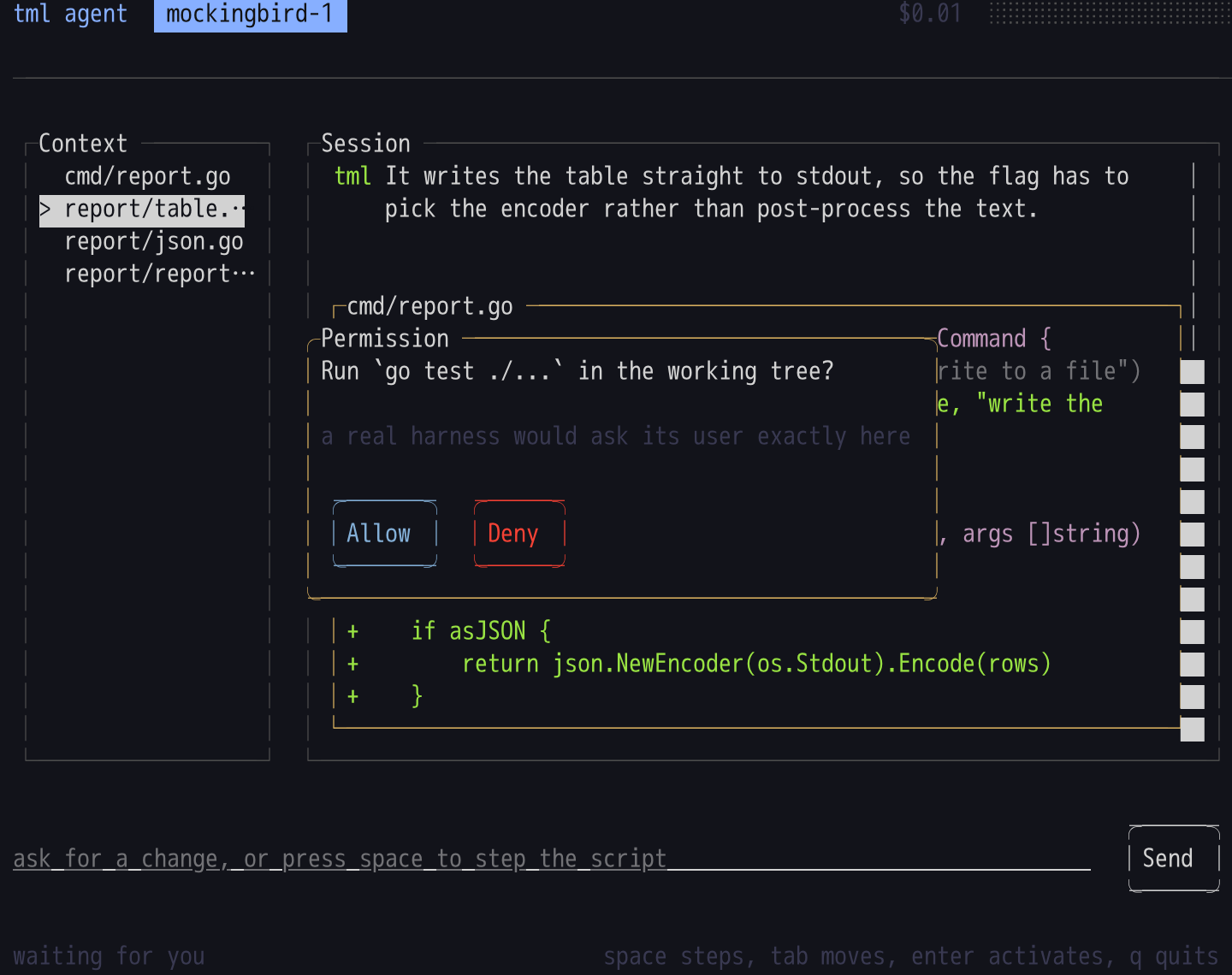
The agent example, asking
The permission beat stops the script until it is answered.
 claude/tml-validate-xml-jpdj1x
 master
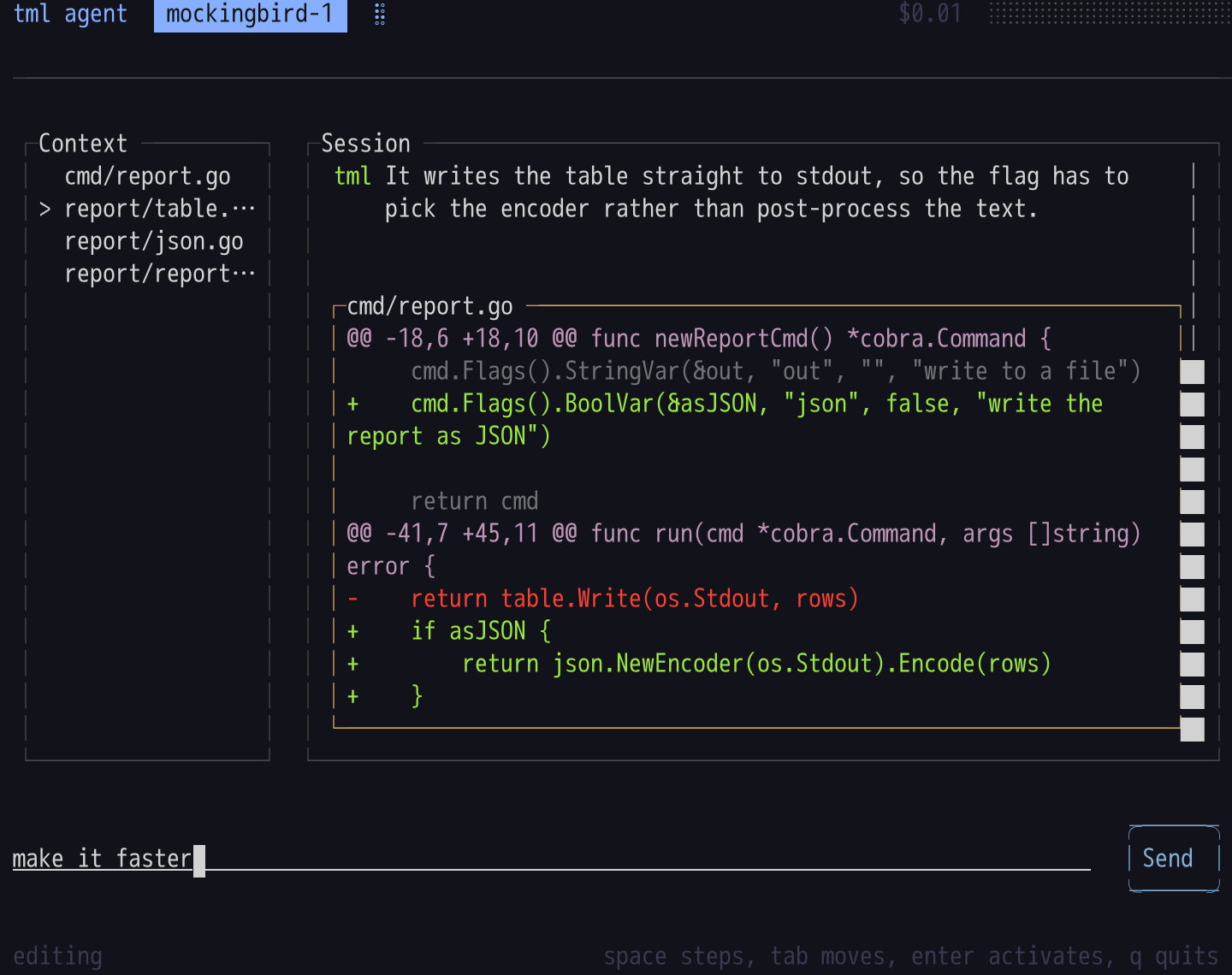
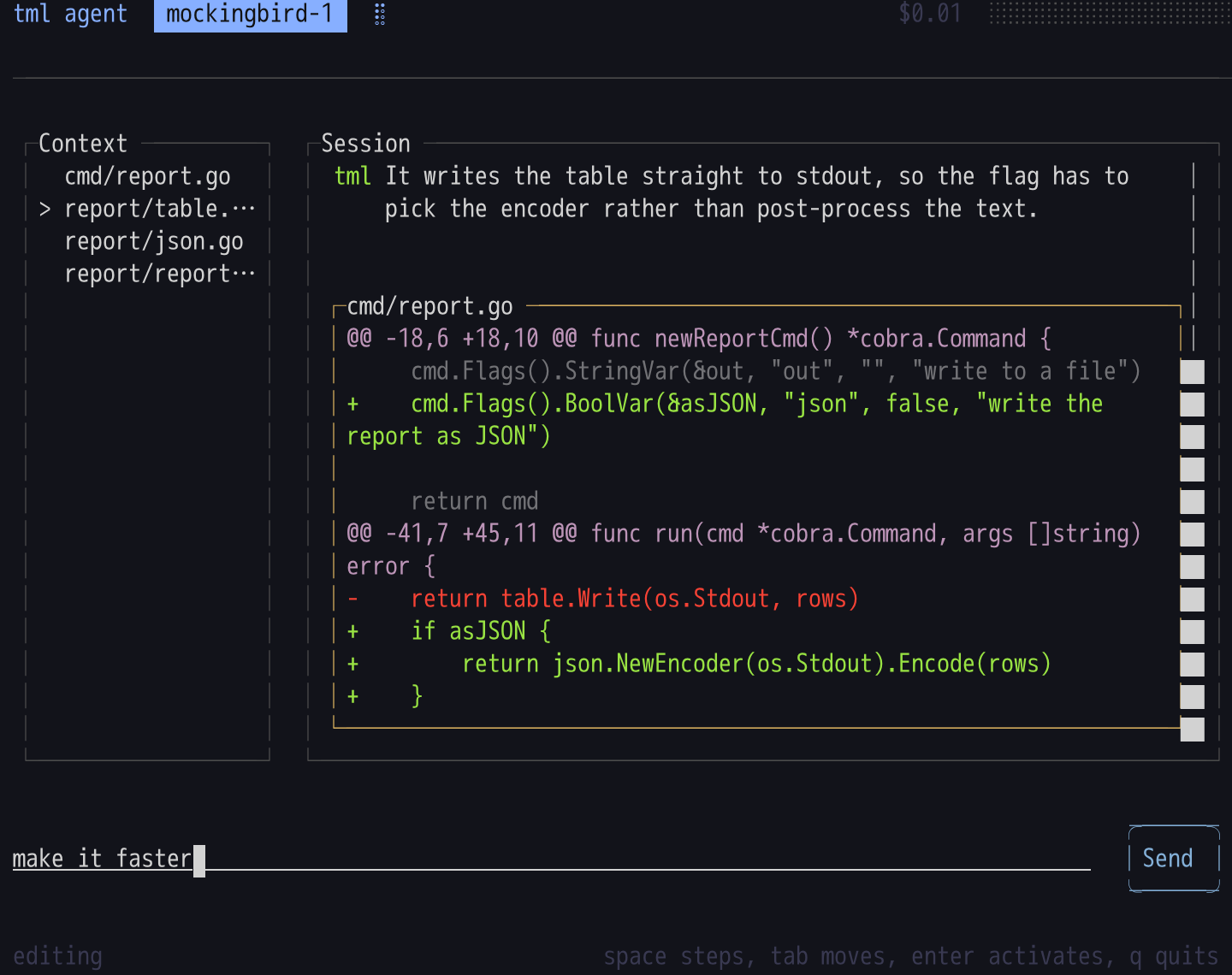
Typing at the prompt
Typed into the running terminal rather than set from a flag: the keys go through ttyd, the PTY and the focus ring.
 claude/tml-validate-xml-jpdj1x
 master